Dashboard
A browser app for launching runs, watching them train, and comparing results, with no plotting code to write.
pinnrl-dashboard                       # http://127.0.0.1:8050/, opens a browser tab
pinnrl-dashboard --port 8051 --no-browser
The dashboard lists and writes runs in ./runs/ relative to the directory you start it from, the same folder pinnrl-train uses. Runs launched from the dashboard are ordinary pinnrl-train processes, so they keep going if you close the browser.
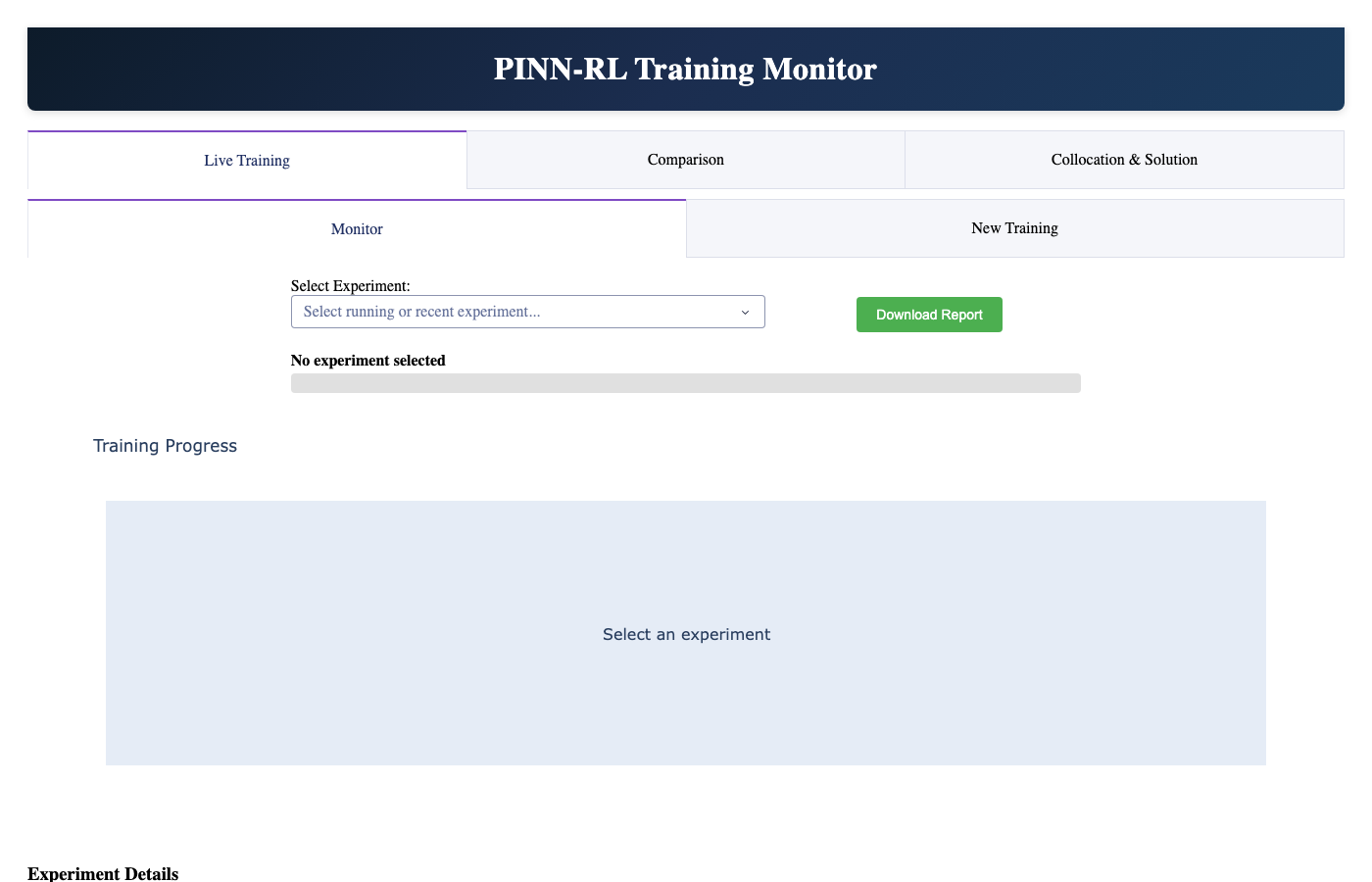
Live Training
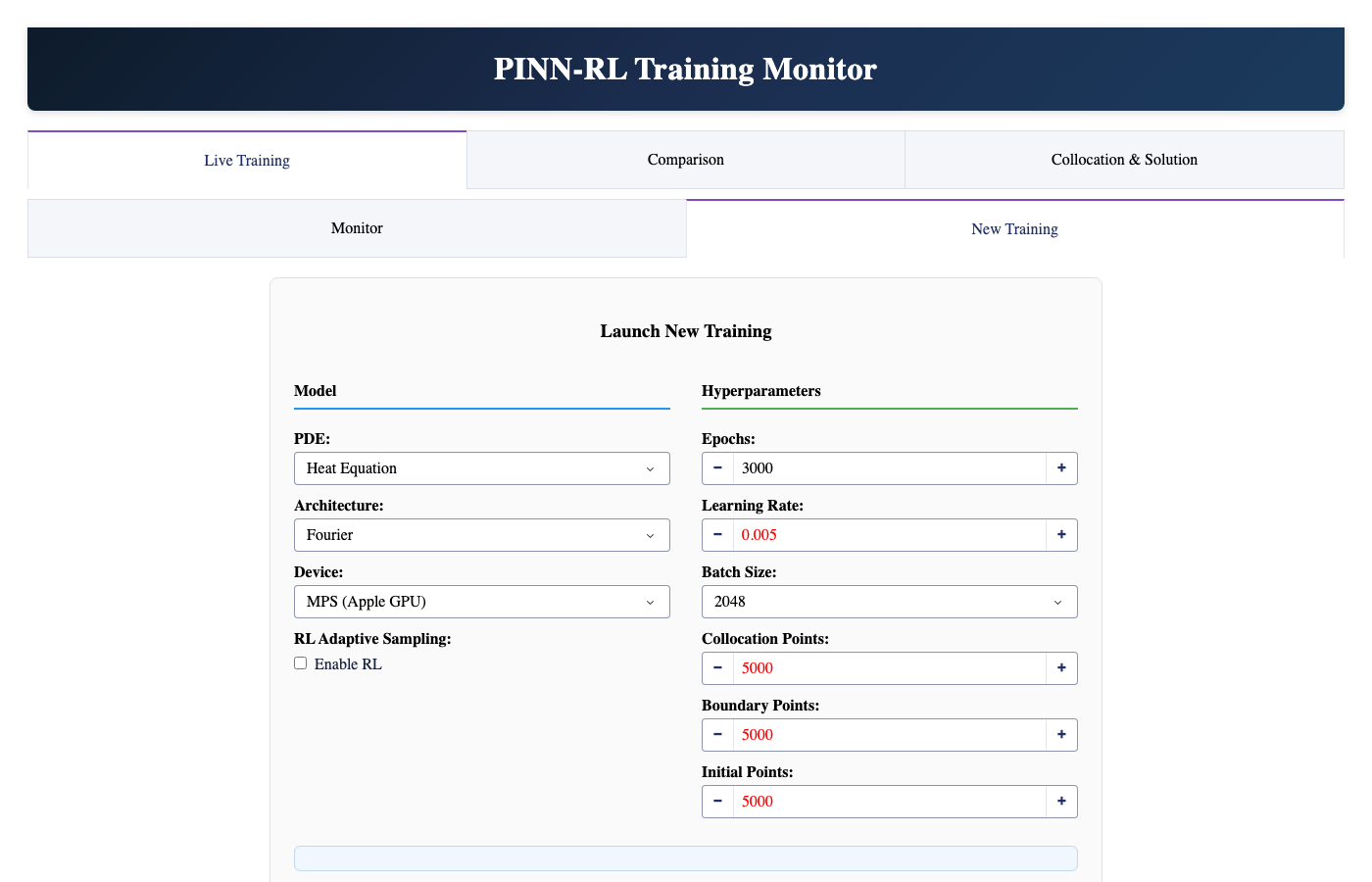
New Training is a form over every pinnrl-train option: PDE, architecture, budget, sampling strategy (including the experimental RL bandit), optimizer, LR schedule, adaptive weights, loss function, and mode. Defaults come from config.yaml for the selected PDE.
- In inverse mode the form asks for the parameters to identify, their initial guesses, and the observation source: synthetic noisy samples of the exact solution, or an
.npzfile. - Choosing a Well dataset fills in its recommended mode and architecture.
Monitor follows a run as it trains:
- the loss components and the learning rate;
- the parameter trajectory in inverse mode, against the true value when known;
- interactive 3-D surfaces of the predicted
u(x, t)and the PDE residual.
The surfaces are read from the run's live_snapshot.npz, which is written every validation_frequency epochs plus at the start and the end. 2-D PDEs are shown as a time slice.
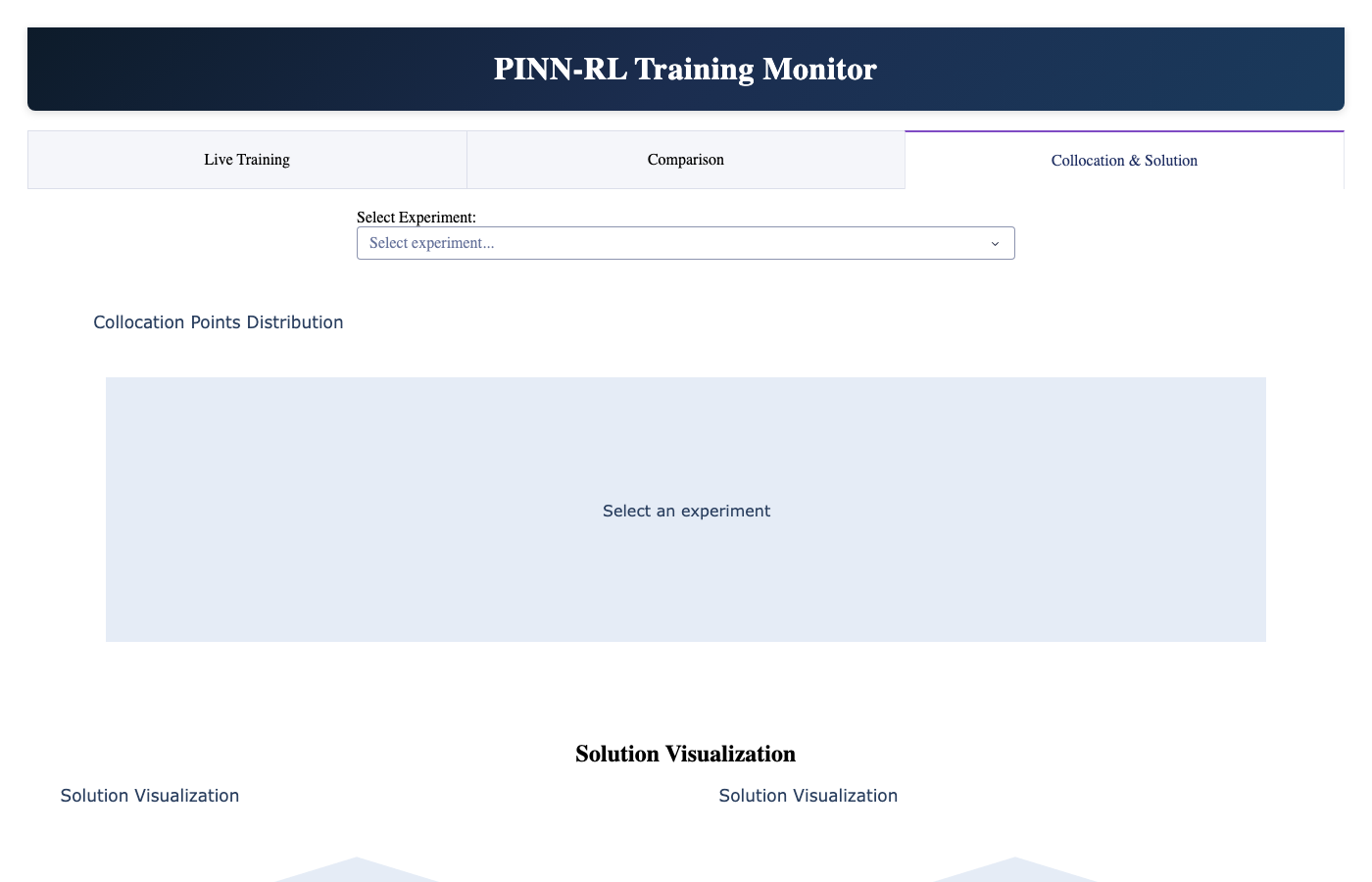
Collocation & Solution
For a finished run, this tab shows predicted against exact solution surfaces with a time slider, the point-wise error, and where the collocation points were placed over training. That last view is how you check what an adaptive sampler actually did. The exact-solution panel is empty for PDEs without a closed form.
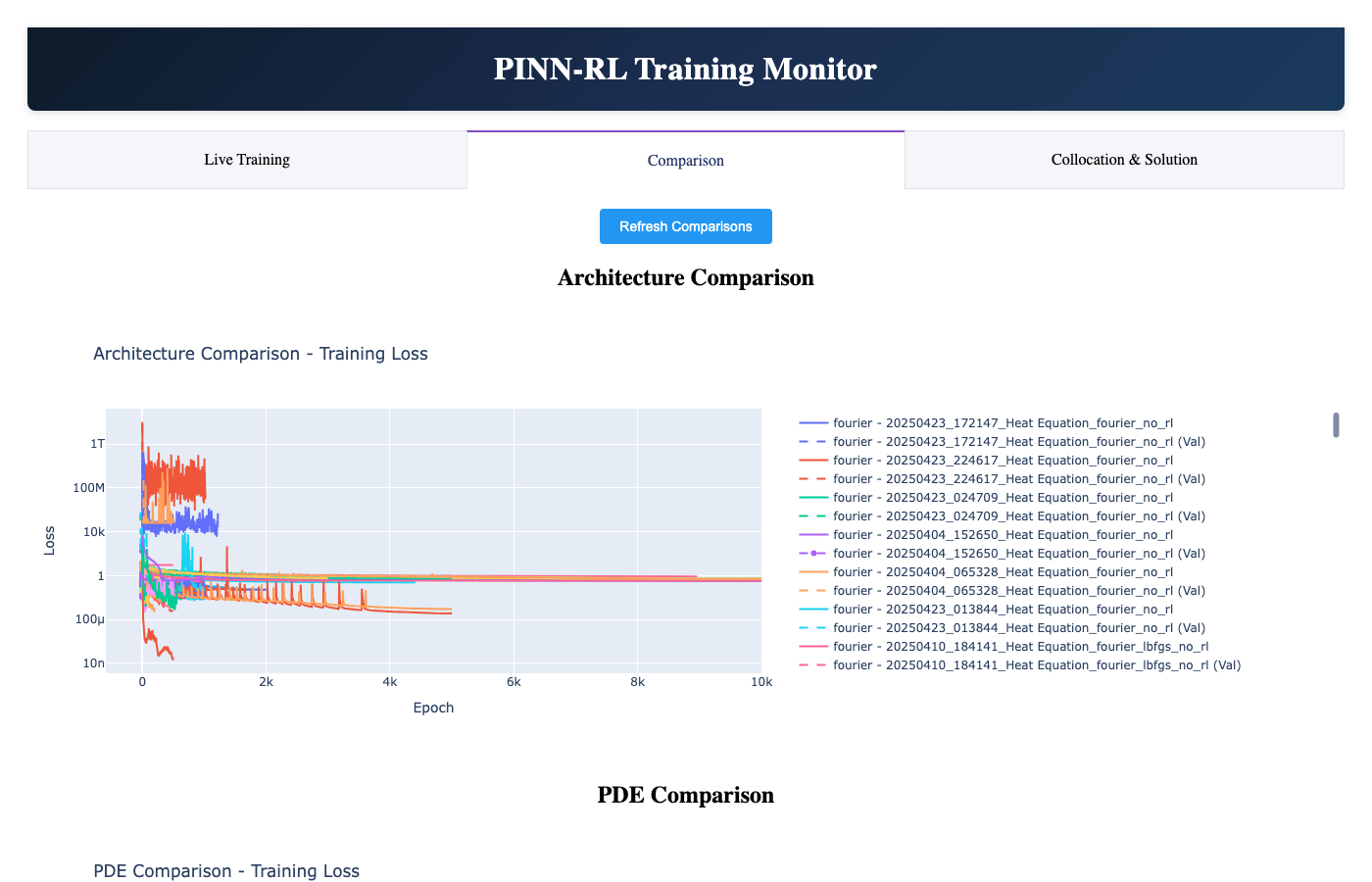
Comparison
Select several finished runs to overlay their loss curves and compare final metrics side by side.
Runs can be deleted from the selector (with a confirmation step); only folders inside the runs directory can be removed. To load a run in Python, use pinnrl.training.train.load_run (see Training).